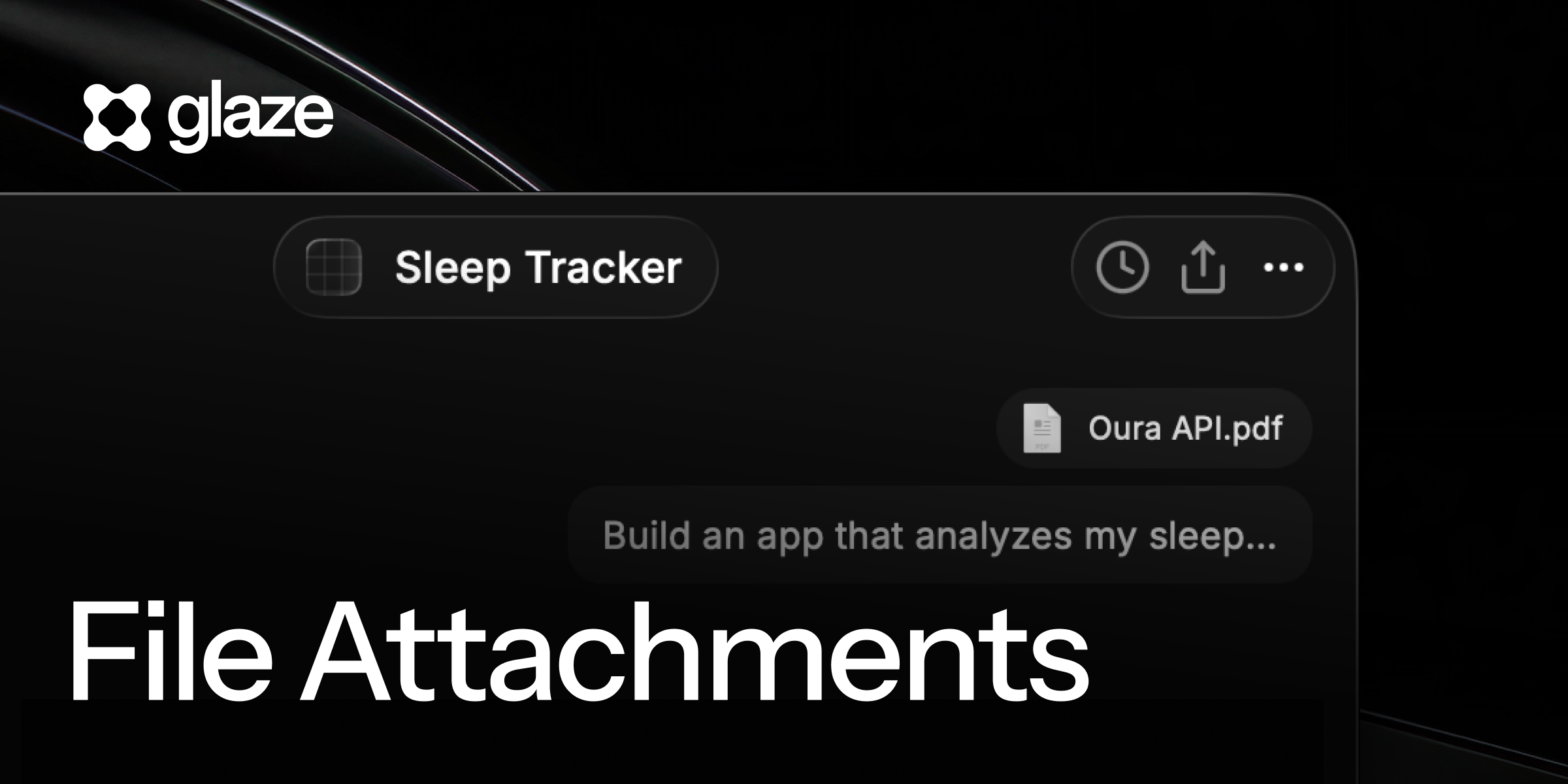
🤖 Bring Your Own Agent
Glaze now works with the agents and models you already use.
Connect your Claude subscription to build with Opus, Sonnet, and Fable. This uses your Claude subscription instead of Glaze credits, and it is unlimited during the beta. Your normal Claude usage limits still apply.
A new model picker brings Glaze Fast, Glaze Smart, and your connected Claude models into one place. Fast is available to everyone and uses fewer credits. Smart uses our most capable models and is included with Pro.
To connect Claude, install Claude Code, sign in to your subscription, then open Account Settings in Glaze.
💻 Your projects, out in the open
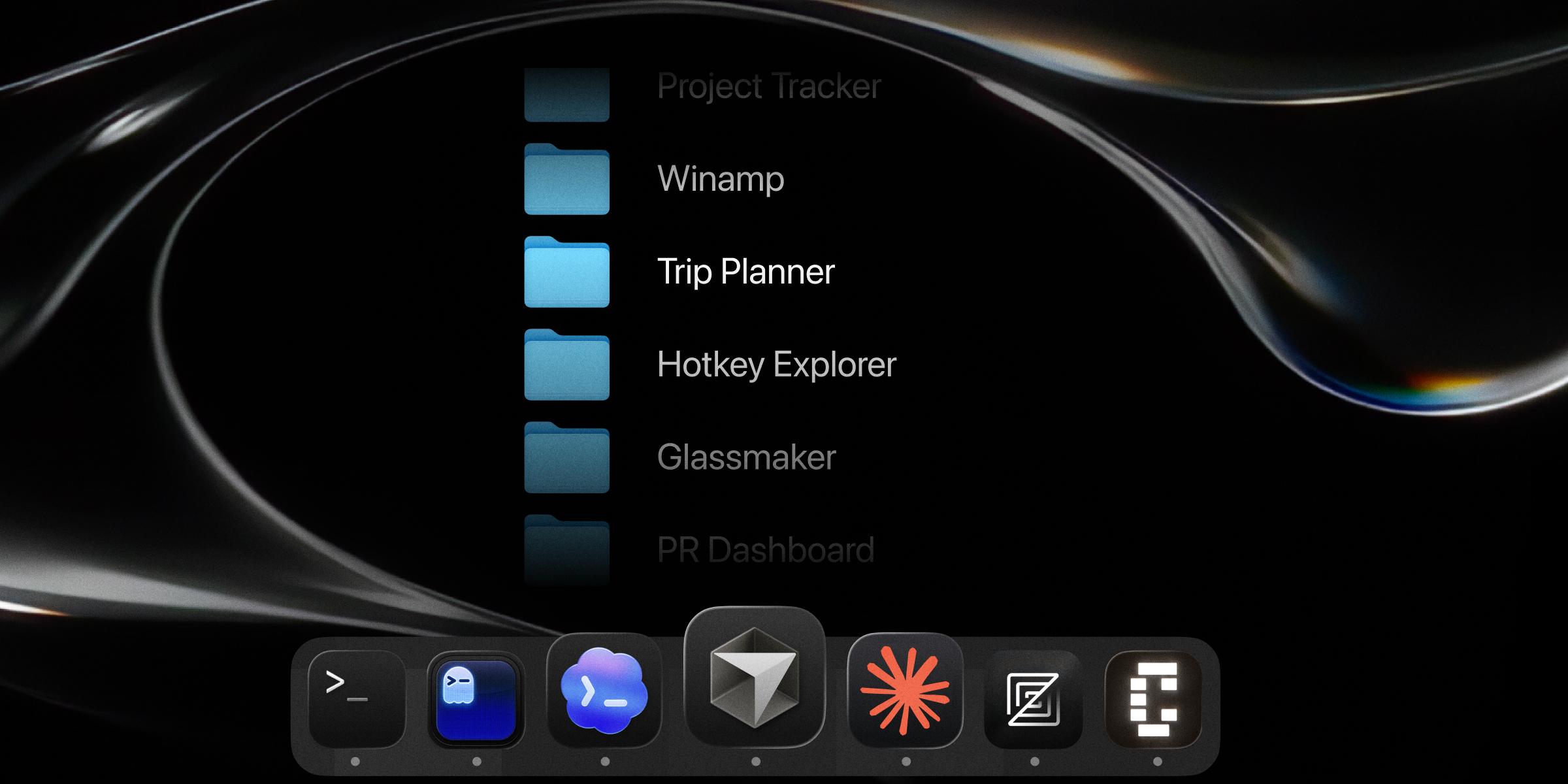
Projects now live in a regular folder on your Mac at ~/Glaze/.
Open a project in Codex, Cursor, Claude Code, your editor, or the Terminal. Every project includes the instructions and Glaze skills an external agent needs to understand the project, preview changes, and package the result back into a Glaze app.
Glaze handles moving your existing projects into the new folder. Nothing changes about how your apps run or publish.
📊 Creator Hub
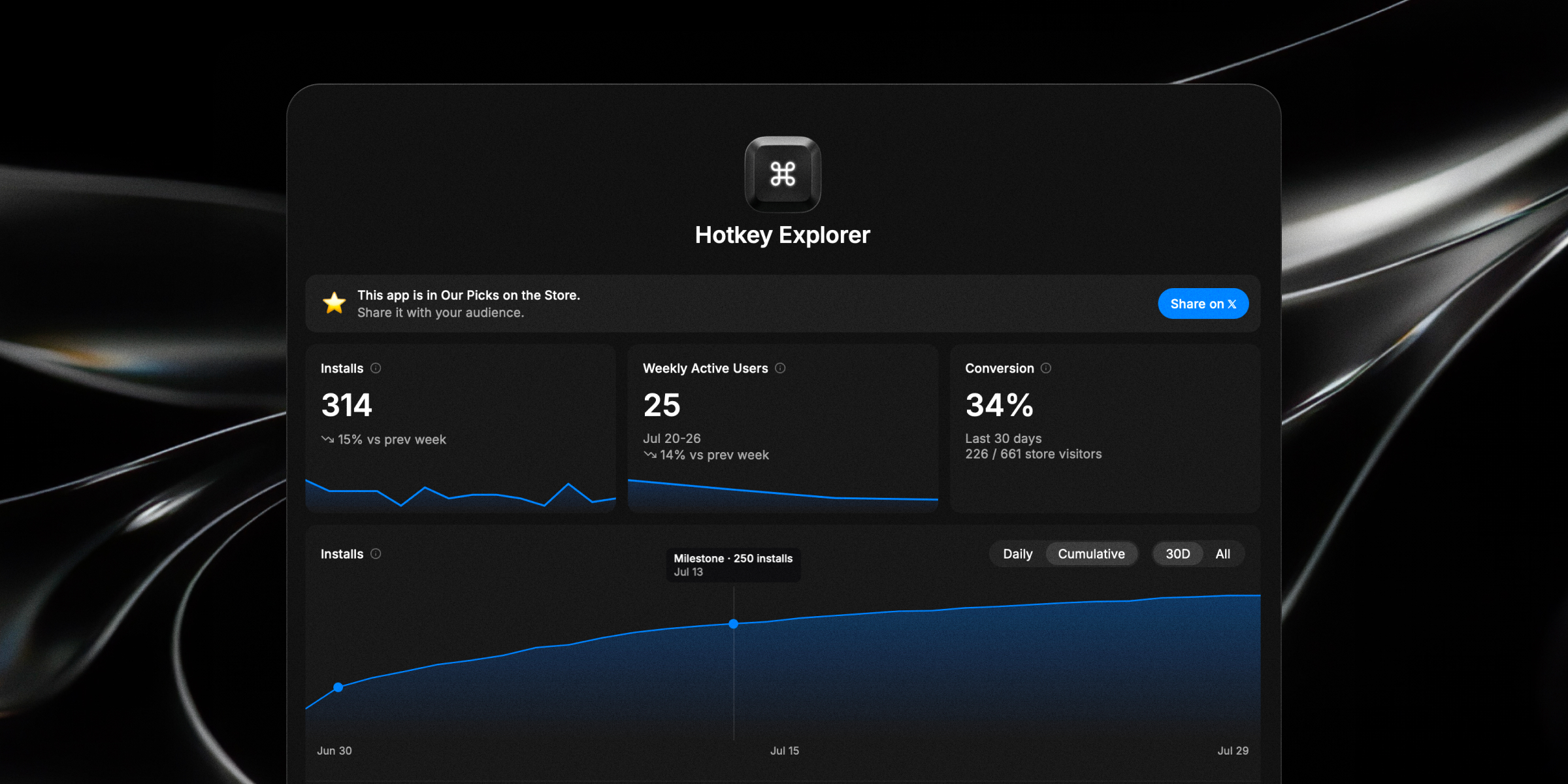
Creator Hub gives you a clearer picture of how your published apps are doing.
See installs, weekly active users, Store conversion, and feedback for each app. Installation charts also show when you published a new version, making it easier to understand how a release affected adoption.
Creator Hub is included with Pro.
💳 Pro is now $10
Glaze Pro now costs $10 per month and includes:
- 100 monthly Glaze credits
- Glaze Smart models
- Creator Hub
- Unlisted publishing
- Control over whether other people can remix your apps
- Credit top-ups without a platform fee
Existing Pro subscribers get the new price, and all unused credits remain available.
New Free accounts start with 50 welcome credits and can use Glaze Fast, connect Claude, open their sources with any agent, and publish to the public Store.
👥 Team stores are free during beta
Create a private Store for your team and share apps with exactly who you choose. Team stores are free during the beta.
Open Settings and choose New Team to get started. Invite teammates right away, then publish apps to your Team Store so only members can discover and install them. Building continues to use each person’s own credits.
✨ New
- App updates: Added update notifications to apps installed from the Glaze Store. Follow the notification to update in Glaze, or check manually from the app menu.
- AI Chat Components: Added a collection of
<AIChat /> components to the design system so it’s easier to build agents and chat apps. Includes support for Composer, Attachments, Auto-scrolling Conversation, Messages, Reasoning, Tool calling & Task lists.
- Markdown Component: Added a built-in markdown component for showing headings, lists, links, code blocks etc. Useful to combine with AI Chat components.
- Agent Context: Added
/context slash command to get a breakdown of context usage in the agent.
💎 Improvements
- Store discovery: Refreshed Featured and Our Picks regularly, giving more apps time in the spotlight.
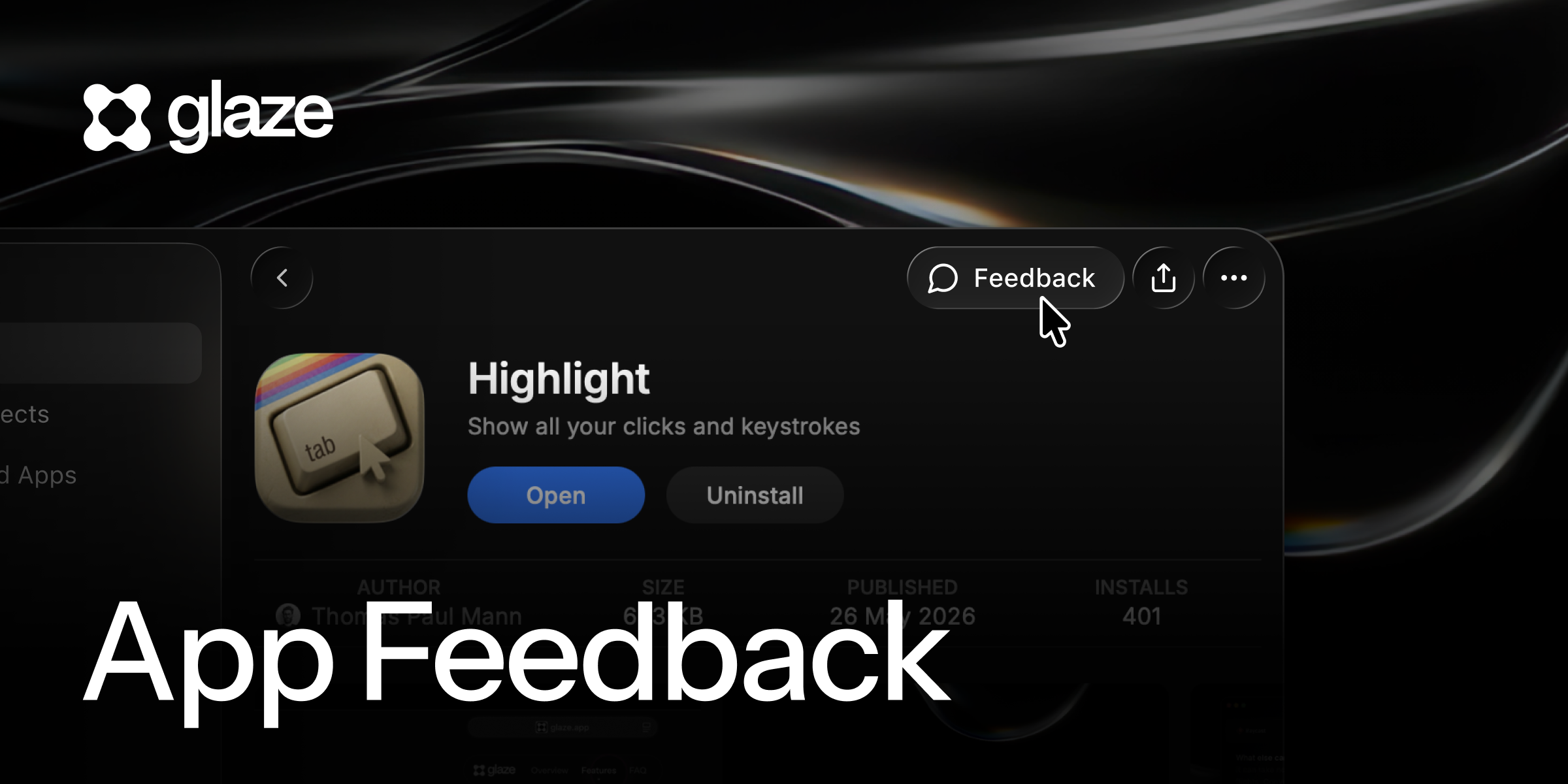
- Creator feedback: Added the option to share your email address when sending feedback, making it possible for the creator to follow up.
- Published apps: Added an action to open an app’s Store listing directly from its project menu.
- Remixing: Kept the original app visible in the composer when starting a project from a remix link.
- Version requirements: Added a direct update action when an app requires a newer version of Glaze.
🐞 Fixes
- PDF attachments: Fixed PDFs being read incorrectly across Glaze model choices, including multi-page documents.
- App uninstall: Fixed uninstalling running apps so they close first and are removed reliably.
- Finder: Fixed files dragged from Finder arriving with the wrong path.
- Composer: Fixed long messages and attachment labels being clipped.
- Store listing drafts: Fixed discarded changes reappearing later.